
ABZ Innovation C10 Vertical Washing Operations
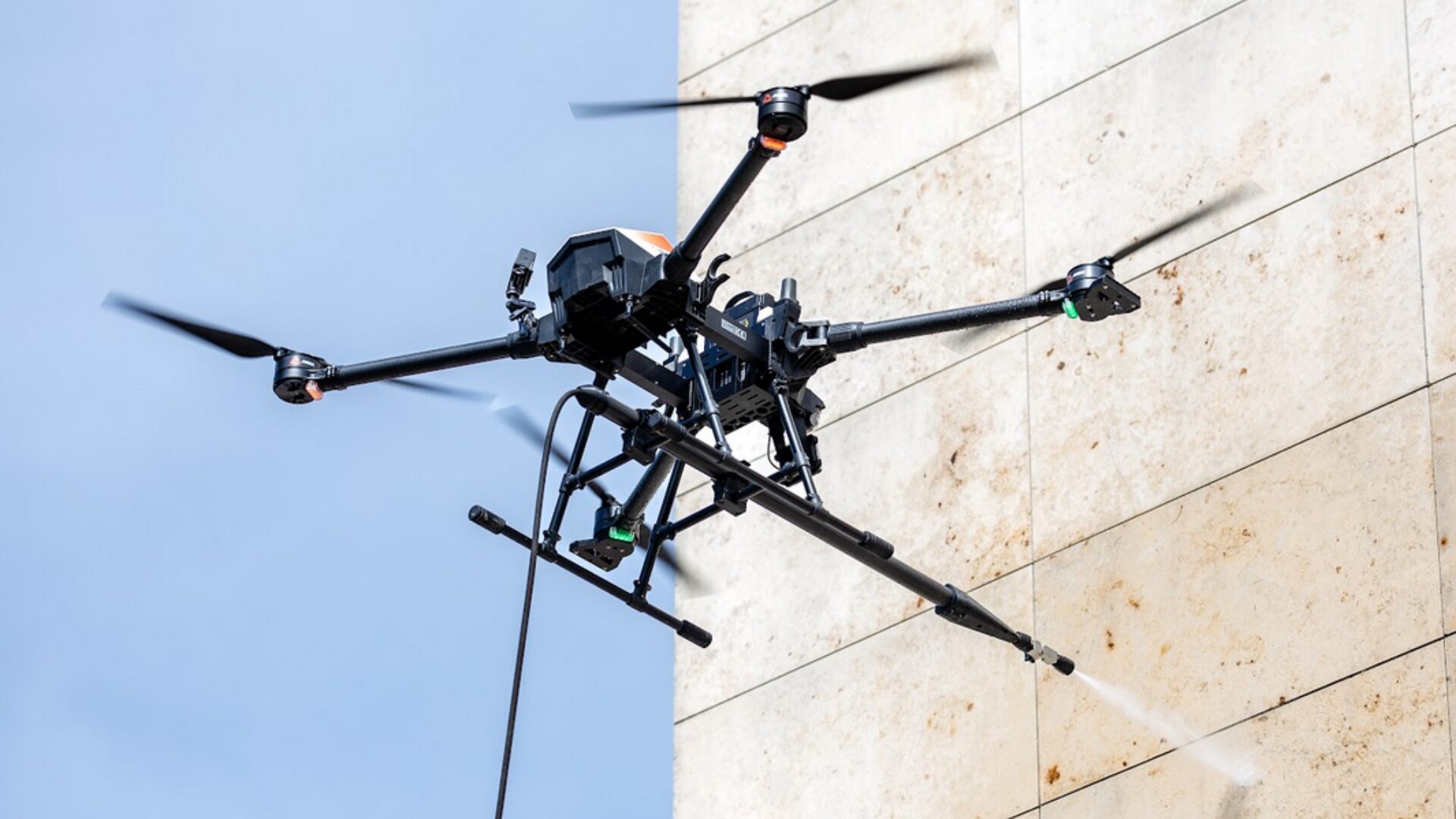
The ABZ Innovation C10 drone is a highly specialized industrial tool designed for high-pressure washing. Depending on the complexity of the facade, the drone can be operated in Semi-Automated or Automated Mission mode using its radar-based Automatic Distance Control System, or in Manual Flight mode. Selecting the correct mode is critical for both the safety of the operation and the quality of the cleaning.
Automated Mission
The Auto Mission utilizes the drone’s front-mounted radar to maintain a constant distance from the target surface, allowing the drone to fly in an endless loop based on four pre-configured parameters: Wall distance, Height, Spacing (horizontal shift), and Speed.
When to Use Auto Mission
Large, Uniform Facades: Ideal for massive, flat, and consistent walls without deep recesses, protrusions, or complex architectural features.
High-Precision Cleaning: Use Auto Vertical Mission when consistent speed (e.g., a fixed 0.4 meters) and exact spacing are required to ensure a professional, even wash without missing spots.
Preventing Pilot Fatigue: Manual flying can cause operator fatigue after a certain period of time, leading to drops in precision. Auto mode handles the repetitive pattern flawlessly.
Critical Safety Rules for Auto Mission
The “Endless” Loop: The drone does not automatically detect the physical end of a wall. The pilot must constantly monitor the drone and manually intervene when the section is complete.
Beware The “Wall-Top”: If the drone is commanded to fly higher than the actual wall (e.g., setting a 6-meter height for a 4-meter wall), it will fly into open space and abort the mission because the radar cannot detect anything in the open, empty space.
If there is a recessed structure (like a setback roofline) above the wall, the radar may misinterpret it as the new target surface, causing the drone to move forward in an attempt to re-establish the configured wall distance. It is recommended to use a safety margin in such cases.
How to replace the Battery: Pay close attention when resuming a mission! If you need to replace a battery during an automated washing operation (for example, in the middle of a downward pass) and interrupt the mission, the drone will treat the restart location as the zero point of the vertical mission.
Automated mode does not detect or react to ground proximity.
To prevent potential incidents, follow the correct procedure for battery replacement: first, stop the automated mission, land the drone manually, and replace the battery. After the battery swap, return manually to the point of interruption.
Manually execute the remaining parts of the last vertical flight lane and horizontal spacing, and only then continue the automated mission in the upward direction. Alternatively, time the battery replacement when the drone is at its lowest point.
RTK positioning is strongly recommended: For precise and stable positioning, using RTK is not just recommended, it is practically mandatory.
Manual Flight Operation
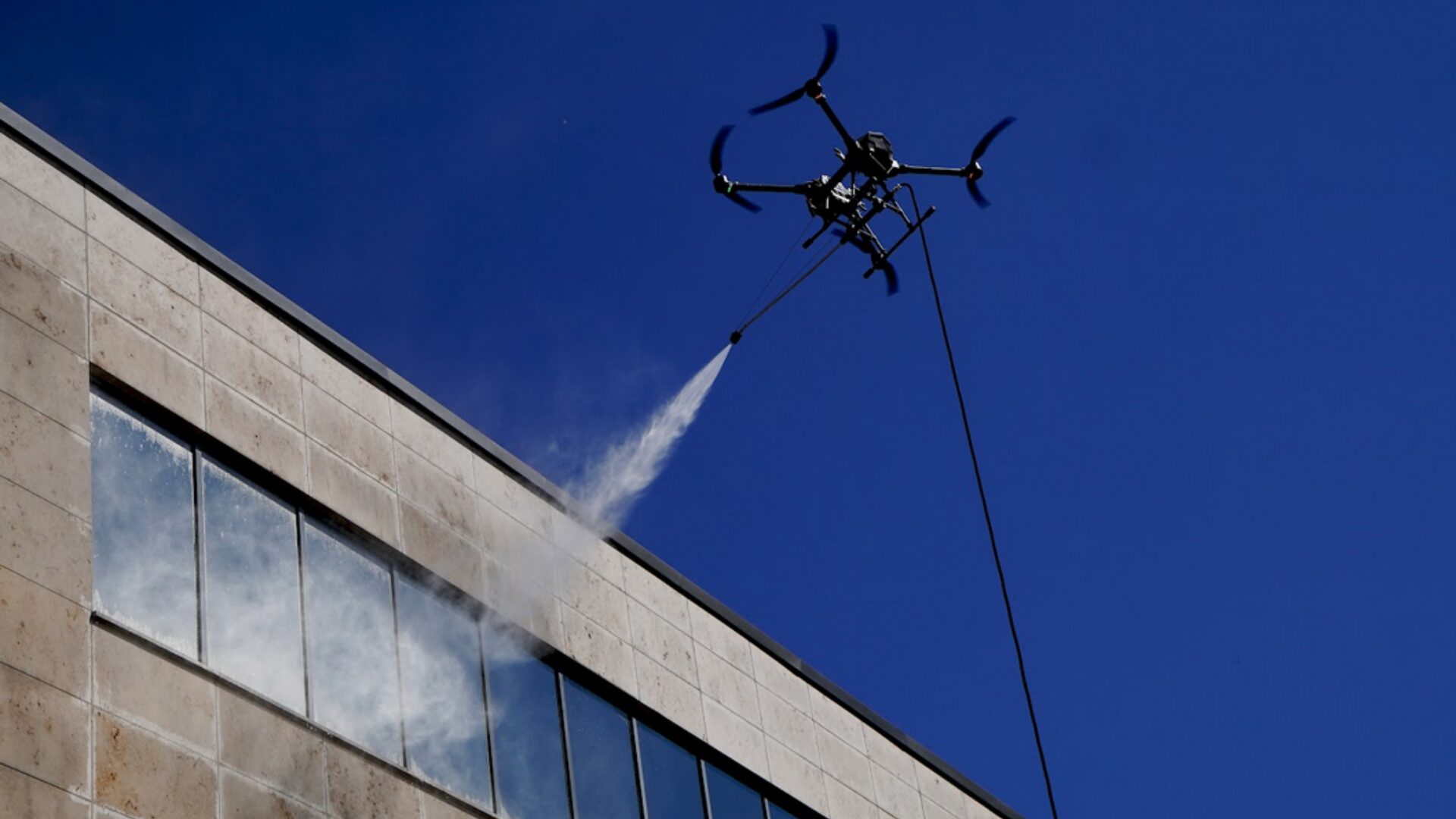
While the Auto Mission is highly efficient, the onboard radar relies on consistent, reflective surfaces to accurately determine distance and orientation. When the radar cannot function reliably enough, the pilot must disable the Automatic Distance Control System and fly manually.
When to Use Manual Flight
- Irregular or Damaged Surfaces: If the wall is porous, broken, or incomplete, it will scatter or absorb the radar signals, resulting in poor positional accuracy and weakened radar stability.
- Protruding Obstacles: Facades with vents, signs, or complex structural elements that could interfere with the flight path or entangle the hose.
- Initial Site Assessments: Flying the area manually first is crucial to assess the wall and filter out environmental hazards (trees, cars, etc.) before initiating any automated loops.
- Edge Work and Wind: Strong, unpredictable wind gusts or turbulence frequently occur near the edges of buildings, requiring careful manual management by an experienced pilot.
General Washing Protocol & Safety
Regardless of whether you are flying manually or using the Auto Mission, the following protocols must be strictly followed:
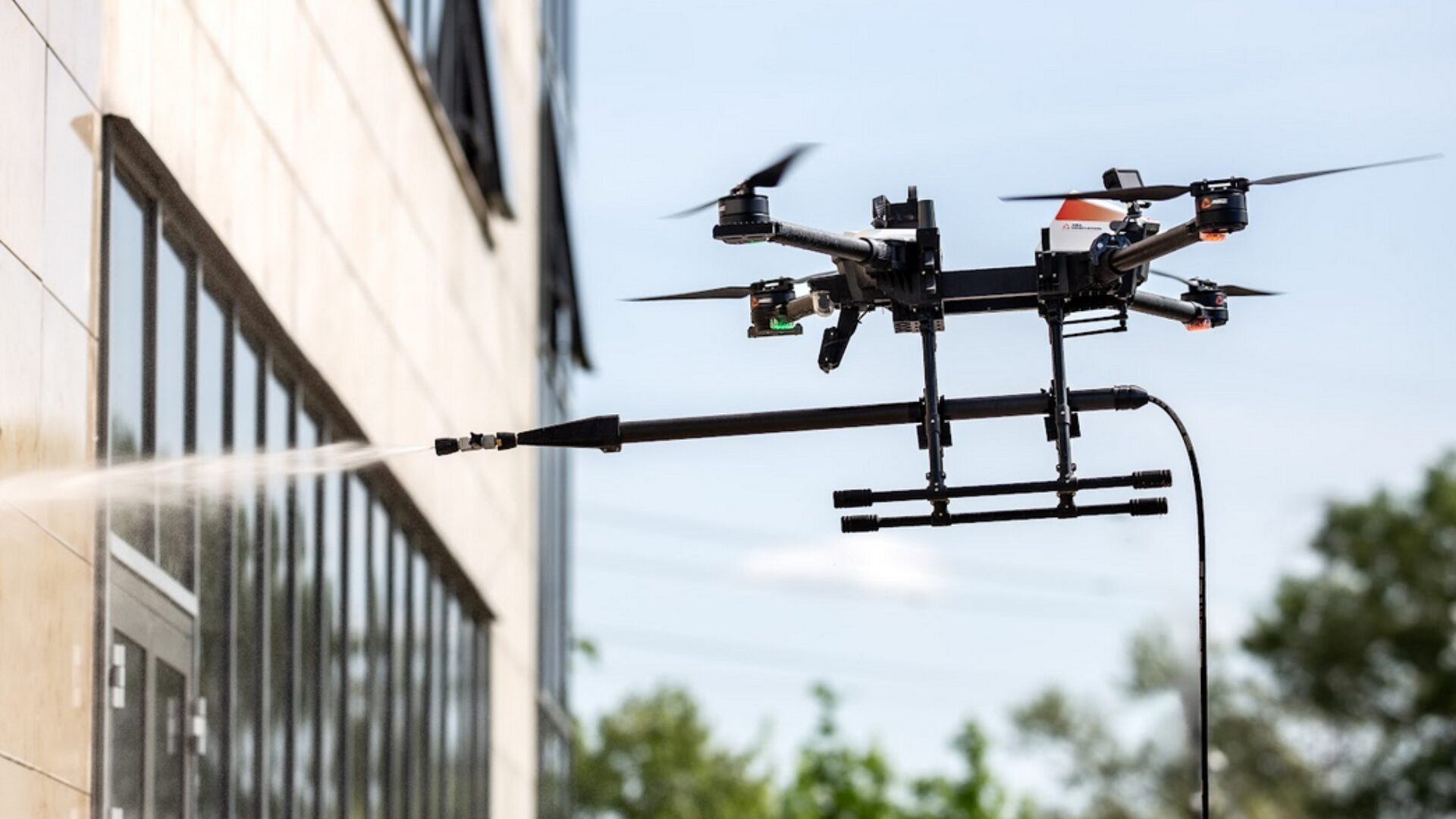
- Hose Management & Lateral Pull: The length of your hose must match the size of your mission to prevent the drone from getting stuck and dragging itself down. Mark a 6-8 meter wide section of the wall and position the hose system in the exact center on the ground. This minimizes the lateral (sideways) pull on the drone, which can cause unexpected rotation.
- Battery Monitoring: The pilot must continuously monitor the voltage and never let it drop below 43.5 V. Start returning and land the drone immediately if it reaches this threshold.
- Motor Emergency Stop (Kill Switch): Always test the Motor Emergency Stop on the ground after starting the motors at a new location. In a critical emergency during flight, pressing the C and D buttons simultaneously will immediately stop the motors.
- Two-Person Team: Optimal efficiency and safety require a Pilot to fly the drone and a Helper/Supervisor to manage the high-pressure system and observe the hose. The hose must be kept free of knots and allowed to move without restriction.
Critical Safety Rule for Manual Flight
Pilot Skill: Manual operation in close proximity to a wall should only be attempted by experienced pilots familiar with proximity-based flight and obstacle avoidance.


